.png?width=158&height=34&name=Autarco%20logo%20(1).png)
MyAutarco has the great feature where you can retrieve the consumption profile from an existing system. This can then be used for creating upgrade proposals based on the actual data.
1. Go to MyAutarco via a web browser. 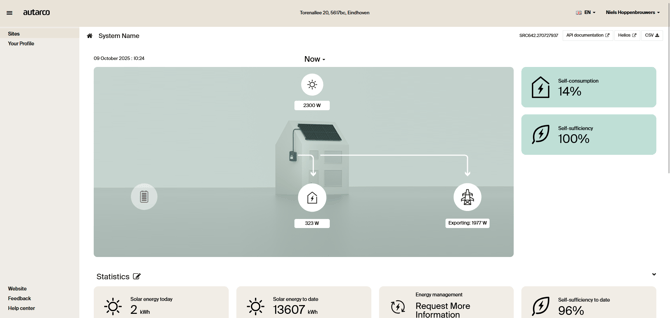
2.Open the CSV menu on the top right
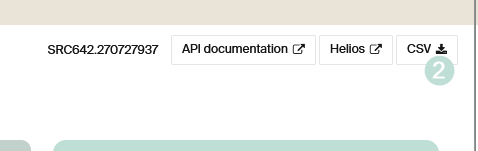
3. In the menu, you'll find the option to select Consumption profile.
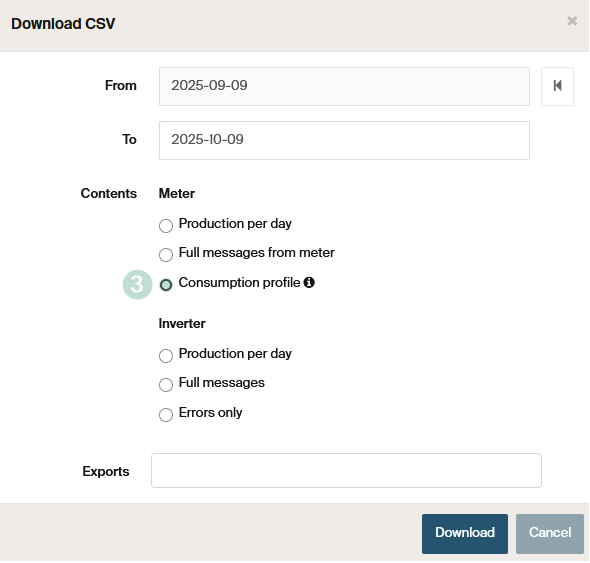
4. To request this file you can press the [download] button. This will start the process in the back to convert the data that is available in MyAutarco to generate a consumption profile. Note that if there is no or incorrect data the function will not be available.
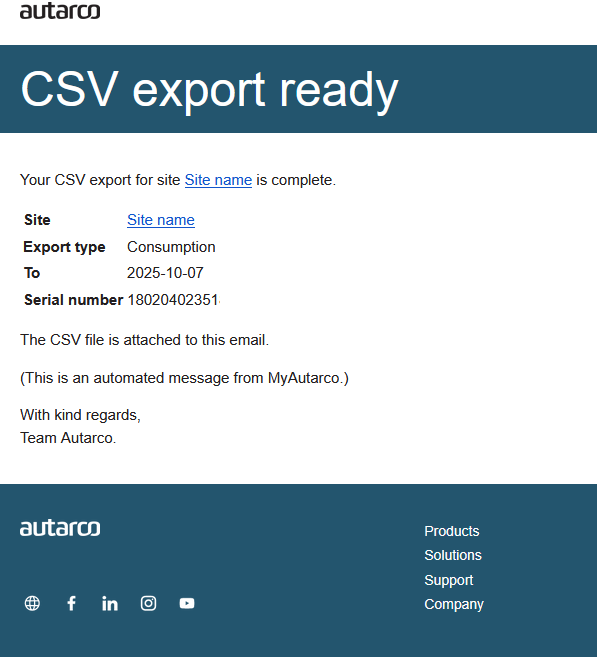
5. When the profile it ready, you can download it here under the Exports section or download via the email that we share that the profile it ready as this may take some minutes to complete.
Yearly profile build-up
Data selection
We start with your most recent months that contain sufficient real measured data. Each month is checked for completeness and quality before being included.
A month qualifies as “good data” when:
-
It contains at least 15 real readings for every hour of the day (so for each hour between 00:00–23:00, we must have at least 15 measured days with that hour recorded).
-
It has no more than 72 missing total hours in the entire month (≈ 3 days of data).
Only months that meet these criteria are used as the base for the yearly profile.
Filling small data gaps
Even within good months, some data points may still be missing.
We fill these missing hours using the average value of that same hour in the same month — ensuring realistic but smoothed values without creating artificial spikes or gaps.
Example:
If on the 12th of May at 15:00 a reading is missing, we use the average of all available 15:00 readings in May to fill that point.
Building the full year
Once we have one or more good months:
-
We stack them in order from most recent backwards.
-
If there are not enough good months to reach 12 total, we repeat the most recent months until we reach a full 365 days.
-
The resulting dataset forms a complete year-long hourly profile (365 days × 24 hours).
This approach ensures that your profile always reflects your most recent and reliable energy behavior.
“To” and “From” date logic
The profile always covers the previous 365 days relative to the selected “to” date.
That means:
-
The “to” date determines the end of the profile window.
-
The “from” date you select in the interface is ignored because the system automatically calculates the full year backwards from the “to” date.
This ensures the yearly profile always has consistent length and recent data context.